| 赞 | 402 |
| VIP | |
| 好人卡 | |
| 积分 | 251 |
| 经验 | |
| 最后登录 | 2024-7-2 |
| 在线时间 | 3339 小时 |
- 梦石
- 1
- 星屑
- 24088
- 在线时间
- 3339 小时
- 注册时间
- 2011-7-8
- 回帖
- 3862

|
 发表于 2017-2-26 10:35:44
|
显示全部楼层
发表于 2017-2-26 10:35:44
|
显示全部楼层
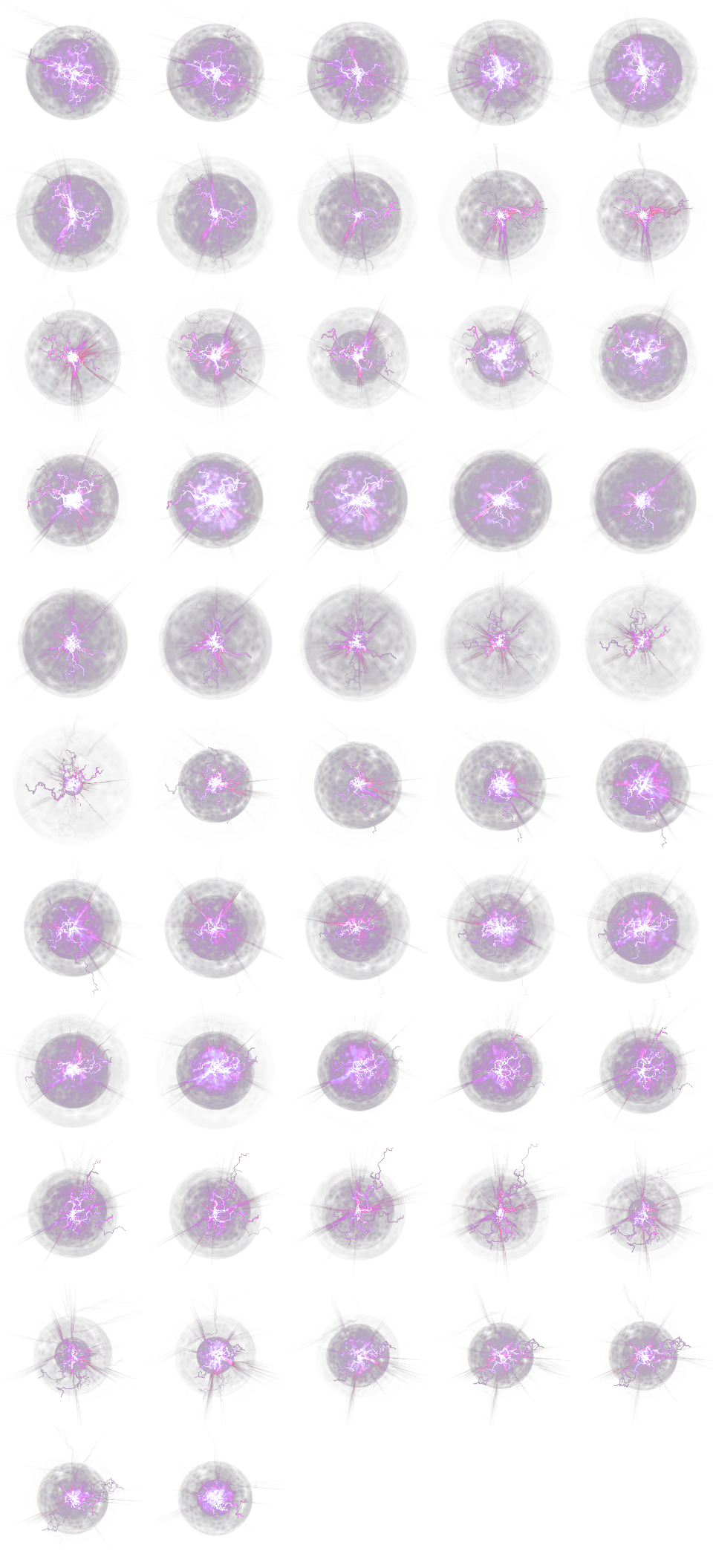
找了一下,这个是RPG::Sprite下的animation_set_sprites方法,我把方法拉出来,做了注释,看看能不能有点启发。这个方法也是正常脚本不会修改的。
怎么简单的把信息传进这个方法,好像也是个难题。
[pre lang="ruby"]module RPG
class Sprite < ::Sprite
def animation_set_sprites(sprites, cell_data, position)
# 这 16 个点是动画上的单元数,最多 16 个,然后每个进行处理
for i in 0..15
sprite = sprites
# cell_data[i, 0] 是该单元的图片在动画图片中的位置
pattern = cell_data[i, 0]
# 如果 patten = -1, or nil,本帧画面上不显示,处理下一个单元
# 如果 sprite == nil,处理下一个单元
if sprite == nil or pattern == nil or pattern == -1
sprite.visible = false if sprite != nil
next
end
sprite.visible = true
# 这里找到该单元的图片在动画图片中的位置和大小
sprite.src_rect.set(pattern % 5 * 192, pattern / 5 * 192, 192, 192)
# 位置:画面的情况
if position == 3
# 无论是战斗中还是地图上,尚未发现self.viewport为nil的情况
# self 是显示动画的 Sprite
if self.viewport != nil
# viewport存在,x 为viewport中心,y 为viewport高 - 160
sprite.x = self.viewport.rect.width / 2
sprite.y = self.viewport.rect.height - 160
else
# viewport不存在,中心设于游戏窗口中心(标准640*480)
sprite.x = 320
sprite.y = 240
end
else
# 位置:上中下的情况
# 中的情况,图片中心位置和显示动画的 Sprite中心重合
sprite.x = self.x - self.ox + self.src_rect.width / 2
sprite.y = self.y - self.oy + self.src_rect.height / 2
# 上的情况,图片上移自身 1/4 的高度
sprite.y -= self.src_rect.height / 4 if position == 0
# 下的情况,图片下移自身 1/4 的高度
sprite.y += self.src_rect.height / 4 if position == 2
end
# cell_data[i, 1] 是该单元的图片的
sprite.x += cell_data[i, 1] # x 偏移量
sprite.y += cell_data[i, 2] # y 偏移量
sprite.z = 2000 # 高度
sprite.ox = 96 # 图片的 中心 位置 x
sprite.oy = 96 # 图片的 中心 位置 y,中心位置要和画面的中心位置重合
sprite.zoom_x = cell_data[i, 3] / 100.0 # x 放大率
sprite.zoom_y = cell_data[i, 3] / 100.0 # y 放大率
sprite.angle = cell_data[i, 4] # 旋转
sprite.mirror = (cell_data[i, 5] == 1) # 镜像
sprite.opacity = cell_data[i, 6] * self.opacity / 255.0 # 透明度
sprite.blend_type = cell_data[i, 7] # 混合方式
end
end
end
end
[/pre] |
|




 写轮眼
写轮眼
 发表于 2017-2-24 10:28:24
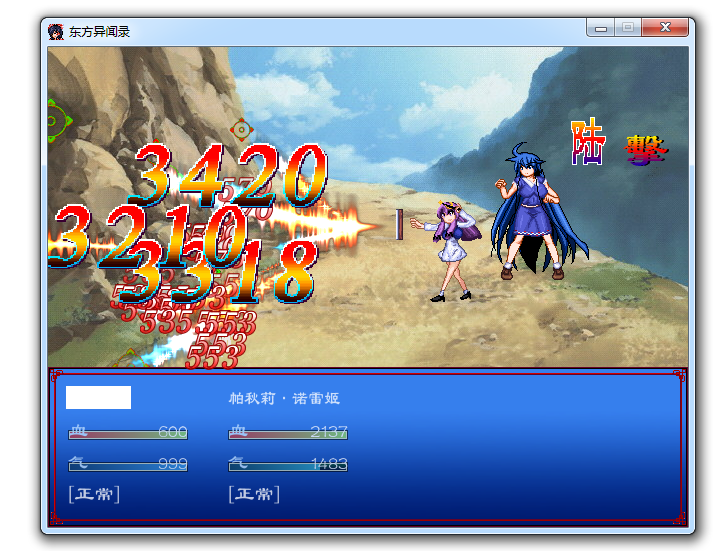
 提升卡
提升卡 沉默号角
沉默号角 喧嚣号角
喧嚣号角 变色卡
变色卡 升龙剑
升龙剑