| 赞 | 7 |
| VIP | |
| 好人卡 | |
| 积分 | 32 |
| 经验 | |
| 最后登录 | 2026-9-4 |
| 在线时间 | 3619 小时 |
双子人
- 梦石
- 0
- 星屑
- 3205
- 在线时间
- 3619 小时
- 注册时间
- 2009-4-4
- 回帖
- 3901

|
加入我们,或者,欢迎回来。
您需要 登录 才可以下载或查看,没有账号?注册会员
×
本帖最后由 hys111111 于 2012-4-18 18:28 编辑
- def weather(type, power, duration)
- @weather_type_target = type
- if @weather_type_target != 0
- @weather_type = @weather_type_target
- end
- if @weather_type_target == 0
- @weather_max_target = 0.0
- else
- @weather_max_target = (power + 1) * 4.0
- end
- @weather_duration = duration
- if @weather_duration == 0
- @weather_type = @weather_type_target
- @weather_max = @weather_max_target
- end
- end
但是,我发现设置天气就是更改这些数值。
我有一些疑问。
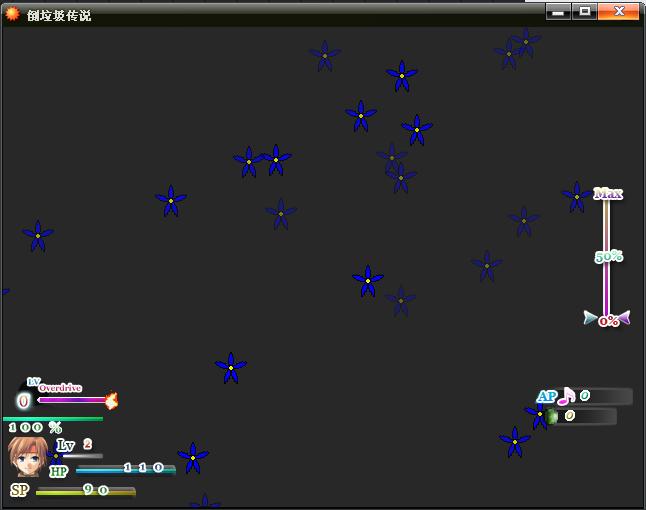
怎么没有生成天气图形(雨、雪)的设置?是用bitmap吗?
然后我在Spriteset_Map找到了@weather = RPG::Weather.new(@viewport1)
果断猜测Wrather是RPG这个module里面的值
原脚本里面却找不到module RPG |
|


 写轮眼
写轮眼
 发表于 2012-4-18 18:18:07
 提升卡
提升卡 沉默号角
沉默号角 喧嚣号角
喧嚣号角 变色卡
变色卡 升龙剑
升龙剑