| 赞 | 0 |
| VIP | |
| 好人卡 | |
| 积分 | 1 |
| 经验 | |
| 最后登录 | 2016-1-31 |
| 在线时间 | 28 小时 |
- 梦石
- 0
- 星屑
- 50
- 在线时间
- 28 小时
- 注册时间
- 2008-12-23
- 回帖
- 24
|
楼主 |
发表于 2016-1-29 18:49:46
|
显示全部楼层
cinderelmini 发表于 2016-1-28 00:22 
【传送门(有墙)】
需要注意的是里面有两个地方要改一下:然后一开始有个按键设置,设置好按键后运行游戏 ...
[pre lang="ruby"]#==============================================================================
# ★ RGSS3-Extension
# LNX25_ゲーム画面倍率切替
# ゲーム中、F5 キーでゲーム画面の表示倍率を切り替えます。
#
# version : 1.00 (12/02/27)
# author : ももまる
# reference : http://peachround.blog.fc2.com/blog-entry-20.html
#
#==============================================================================
module LNX25
#--------------------------------------------------------------------------
# ● 切替キー
#--------------------------------------------------------------------------
RESIZE_KEY = :F5 # 規定値: :F5
end
#==============================================================================
# ■ LNXスクリプト導入情報
#==============================================================================
$lnx_include = {} if $lnx_include == nil
$lnx_include[:lnx25] = 100 # version
p "OK:LNX25_ウィンドウサイズ変更"
#==============================================================================
# ■ Graphics
#==============================================================================
module Graphics
@screen_zoom = 1
#--------------------------------------------------------------------------
# ● ゲーム画面の表示倍率取得
#--------------------------------------------------------------------------
def self.screen_zoom
@screen_zoom
end
#--------------------------------------------------------------------------
# ● ゲーム画面の表示倍率変更
#--------------------------------------------------------------------------
def self.screen_zoom=(rate)
self.rgssplayer_resize(rate)
@screen_zoom = rate
end
#--------------------------------------------------------------------------
# ● ウィンドウハンドルの取得(Win32API)
#--------------------------------------------------------------------------
def self.rgssplayer
Win32API.new("user32", "FindWindow", "pp", "i").call("RGSS Player", 0)
end
#--------------------------------------------------------------------------
# ● ウィンドウのリサイズ(Win32API)
#--------------------------------------------------------------------------
def self.rgssplayer_resize(rate)
move_w = Win32API.new("user32", "MoveWindow", "liiiil", "l")
get_sm = Win32API.new("user32", "GetSystemMetrics", "i", "i")
# サイズ計算
frame_w = get_sm.call(7) * 2 # ウィンドウ枠(横方向)
frame_h = get_sm.call(8) * 2 # ウィンドウ枠(縦方向)
caption_h = get_sm.call(4) # タイトルバーの高さ
width = 640 * rate + frame_w
height = 480 * rate + frame_h + caption_h
x = (get_sm.call(0) - width ) / 2
y = (get_sm.call(1) - height) / 2
# ウィンドウ位置・サイズ変更(ウィンドウ, X, Y, 幅, 高さ, 更新フラグ)
move_w.call(self.rgssplayer, x, y, width, height, 1)
end
end
class << Graphics
#--------------------------------------------------------------------------
# ● フレーム更新
#--------------------------------------------------------------------------
alias :lnx25_update :update
def update
# 元のメソッドを呼ぶ
lnx25_update
# F5 キーが押されたらリサイズ
if Input.trigger?(Input::Z) #这里我改成了按D键
self.screen_zoom = (self.screen_zoom == 1 ? 2 : 1)
end
end
end[/pre]
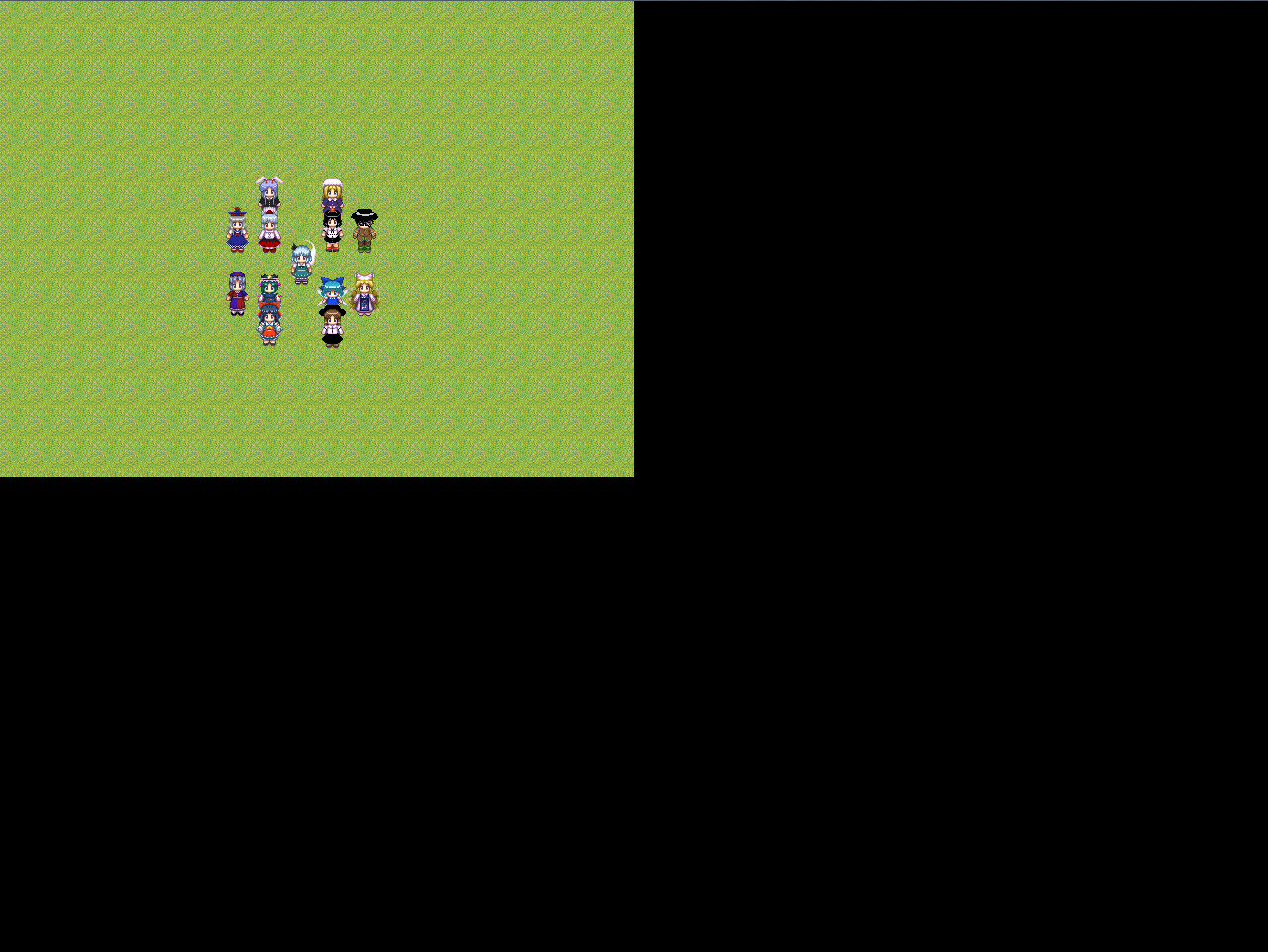
|
|



 写轮眼
写轮眼
 发表于 2016-1-27 20:36:42
 提升卡
提升卡 沉默号角
沉默号角 喧嚣号角
喧嚣号角 变色卡
变色卡 升龙剑
升龙剑


