| 赞 | 15 |
| VIP | |
| 好人卡 | |
| 积分 | 19 |
| 经验 | |
| 最后登录 | 2026-5-25 |
| 在线时间 | 404 小时 |
- 梦石
- 0
- 星屑
- 1944
- 在线时间
- 404 小时
- 注册时间
- 2015-8-30
- 回帖
- 322
|
加入我们,或者,欢迎回来。
您需要 登录 才可以下载或查看,没有账号?注册会员
×


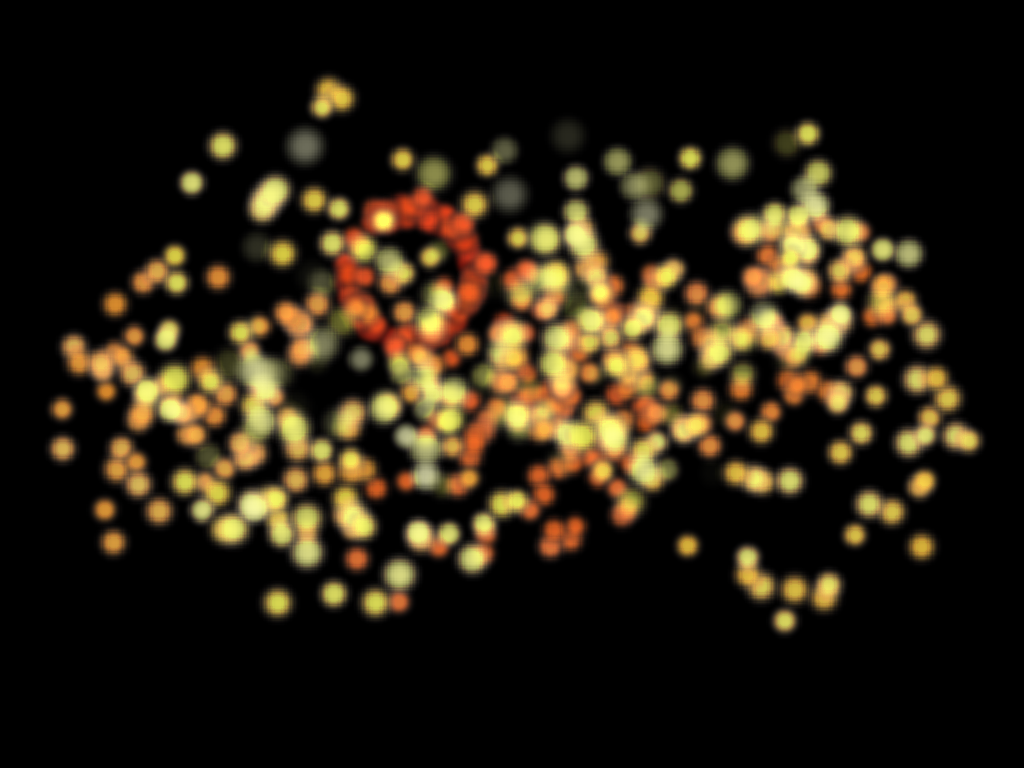
[pre lang="ruby"]
class Particle < Sprite
BITMAP = Bitmap.new(64, 64)
64.times do |x|
64.times do |y|
if (x - 32) ** 2 + (y - 32) ** 2 <= 128
BITMAP.set_pixel(x, y, Color.new(255, 0, 0))
end
end
end
32.times { BITMAP.blur }
VIEWPORT = Viewport.new(-128, -128, 1280, 1024)
@@z = 1 << 30
def initialize(x, y)
super(VIEWPORT)
self.bitmap = BITMAP.clone
self.ox = 8
self.oy = 8
self.x = x + 128
self.y = y + 128
self.opacity = 0
self.z = (@@z -= rand(2))
@frame_count = 0
@velocity = rand / 2
@acceleraction = rand / 2000
@float_y = self.y
@fade_in_rate = rand(10) + 15
@fade_out_rate = rand(5) + 5
@zoom_rate = rand / 400
@life = rand(50) + 150
@tone_change_rate = rand / 2 + 0.5
@float_tone = 0
end
def update
@float_y -= (@velocity += @acceleraction)
self.y = @float_y
self.opacity += @fade_in_rate if opacity < 255 && @frame_count < @life
self.opacity -= @fade_out_rate if @frame_count >= @life
self.zoom_x += @zoom_rate
self.zoom_y += @zoom_rate
bitmap.hue_change(3) if @frame_count % 10 == 0
@float_tone += @tone_change_rate
tone.red = @float_tone
tone.green = @float_tone
tone.blue = @float_tone
if opacity <= 0
bitmap.dispose
dispose
end
@frame_count += 1
end
end
class Scene
def initialize
Graphics.resize_screen(1024, 768)
@x = Graphics.width / 2
@y = Graphics.height / 2
@particles = []
end
def set_position(x, y)
@x, @y = x, y
end
def update
update_basic
update_position
update_particles
end
def update_basic
Mouse.update
Graphics.update
end
def update_particles
@particles.each(&:update)
@particles.delete_if(&:disposed?)
360.times do |angle|
if rand(120) == 0
radian = angle * Math::PI / 180
radius = rand(4) + 62
x = @x + Math.cos(radian) * radius
y = @y + Math.sin(radian) * radius
@particles.push(Particle.new(x, y))
end
end
end
def update_position
set_position(Mouse.x, Mouse.y) if Mouse.press?
end
end
scene = Scene.new
loop { scene.update }
[/pre]
写得太差劲了,看上去没什么感觉
使用RGD |
|


 写轮眼
写轮眼
 发表于 2019-2-8 21:43:27
 提升卡
提升卡 沉默号角
沉默号角 喧嚣号角
喧嚣号角 变色卡
变色卡 升龙剑
升龙剑


 (Created by