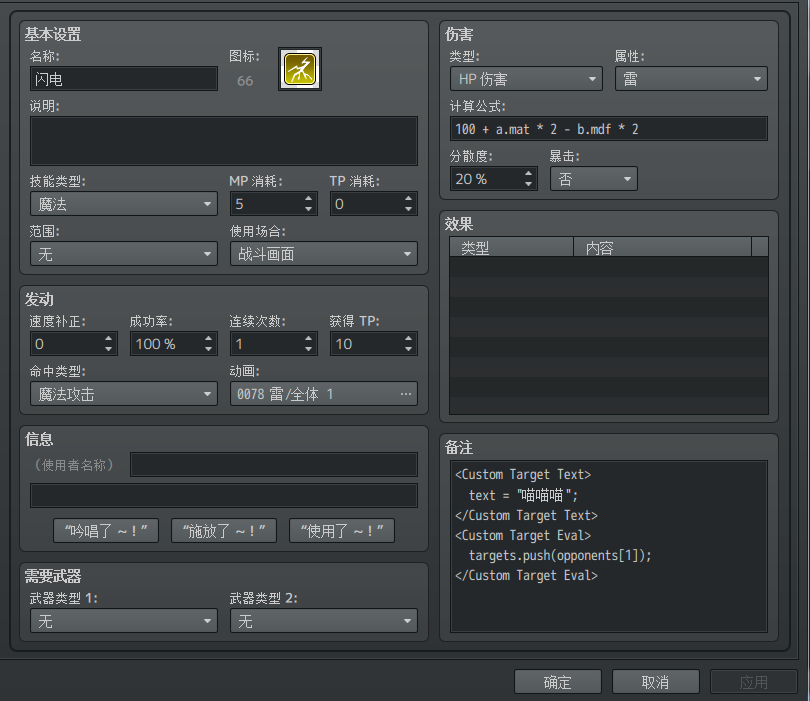
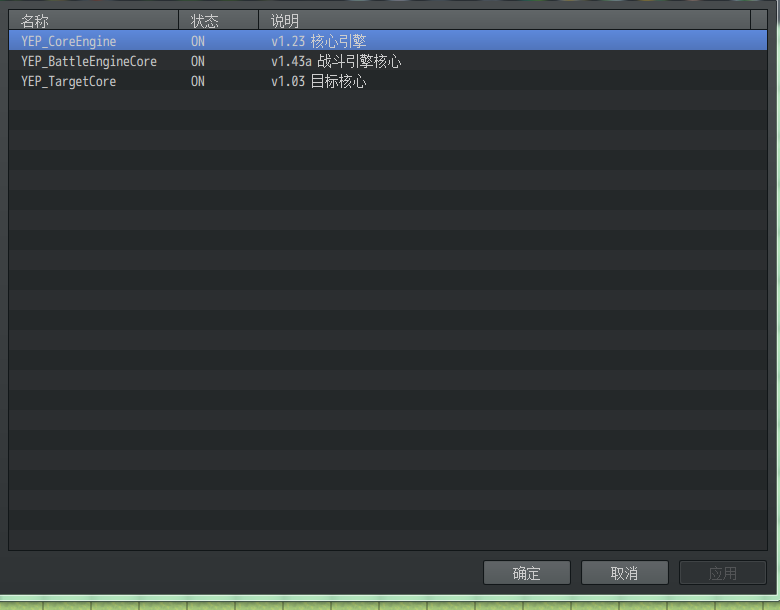
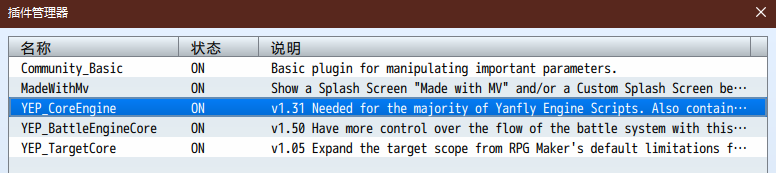
在目标核心插件看到这一栏,似乎可以自定义插件。不过这一栏没有翻译,也不知道在哪里自定义这个插件。 原文
============================================================================
Lunatic Mode - Custom Target Help Text
============================================================================
For users that are proficient with JavaScript, these notetags can be used to
provide custom help window text if you are also the Battle Engine Core.
Skill and Item Notetags:
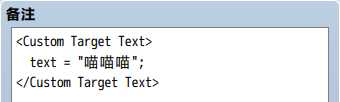
<Custom Target Text>
text = $gameActors.actor(1).name();
text += ' and ' + $gameActors.actor(2).name();
</Custom Target Text>
The 'text' variable is the text that will appear in the help window. Any
changes made to it will be what is visibly displayed.
(PS:这一段应该是自定义描述文本)
============================================================================
Lunatic Mode - Custom Target Eval
============================================================================
For users that are proficient with JavaScript, these notetags can be used to
make custom target selections. For the targeting aspect, this will refer to
the skill/item's current scope and the targets made here will be made
independent of the scope with the exception of the target, where if a target
is selected, it will become the 'target' value.
<Custom Target Eval>
for (var i = 0; i < foes.aliveMembers().length; ++i) {
var member = foes.aliveMembers();
if (member.level % 3 === 0) targets.push(member);
}
</Custom Target Eval>
(PS:这一段应该是自定义目标了,看起来像是。。。3的倍数?)
The 'targets' variable is an array that determines which are the targets
to be used during the selection process. Push the desired targets into
the 'targets' array.
就会在查看该物品时显示 text 到帮助窗口,根据源代码 925 行的信息,这里你可以使用的变量有:
[pre lang="javascript"]var text = ''; // text = 最终显示的文本
var s = $gameSwitches._data; // s[1] = 开关1
var v = $gameVariables._data; // v[1] = 变量1
var user = BattleManager._subject; // a = b = subject = user = 当前使用者(这人搞这么多别名干啥……
var a = user;
var subject = user;
var b = user;
var target = user;[/pre]
在技能/物品的注释里写:
<Custom Target Eval>
targets.push(opponents.aliveMembers()[0]);
</Custom Target Eval>
复制代码
就会在使用该物品时选中对面第一个单位作为目标,根据源代码 747 行的信息,这里你可以使用的变量有:
[pre lang="javascript"]var targets = []; // targets = 最终选中的目标列表(数组)
var a = this.subject(); // a = user = subject = 使用者(搞一堆别名……
var user = this.subject();
var subject = this.subject();
if (this.isForOpponent()) { // 如果是对敌道具,则 b = target = 敌方单位,否则 b = target = 己方单位
var targetUnit = this.opponentsUnit();
} else {
var targetUnit = this.friendsUnit();
}
var b = targetUnit.smoothTarget(this._targetIndex);
var target = targetUnit.smoothTarget(this._targetIndex);
var s = $gameSwitches._data; // s = 开关
var v = $gameVariables._data; // v = 变量
var allies = this.friendsUnit(); // alies = friends = 所有己方单位
var friends = allies;
var foes = this.opponentsUnit(); // foes = opponents = 所有敌方单位
var opponents = foes;[/pre]


 写轮眼
写轮眼
 发表于 2019-6-9 21:34:23
 提升卡
提升卡 沉默号角
沉默号角 喧嚣号角
喧嚣号角 变色卡
变色卡 升龙剑
升龙剑