console.log(value)
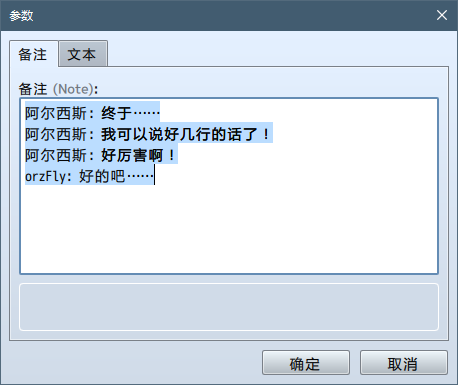
// => "Aluxes: Eventually...\nAluxes: I can say something longer than one line!\nAluxes: This is super powerful!\norzFly: Oh well..."
console.log(JSON.parse(value))
// => Aluxes: Eventually...
// => Aluxes: I can say something longer than one line!
// => Aluxes: This is super powerful!
// => orzFly: Oh well...[/pre]数字
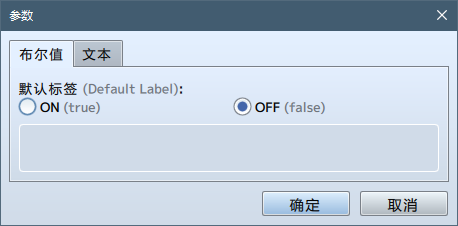
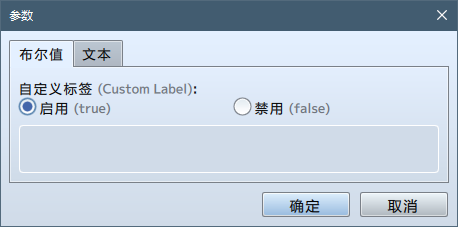
这个指令将参数编辑器指定为一个带有真/假两个选项的选择器,其默认文本是“ON”和“OFF”。
This directive will create the editor with two radio options returning a true/false value. The default labels are "ON" and "OFF".
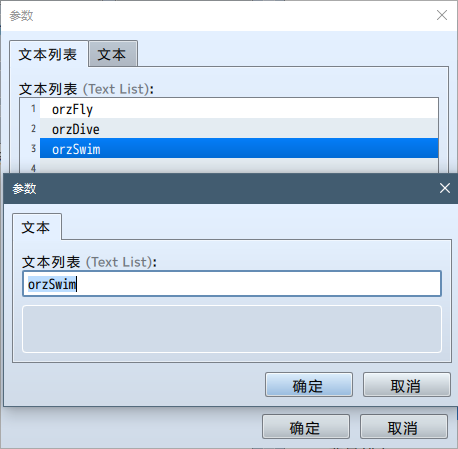
var realValue = JSON.parse(value)
console.log(realValue[2])
// => orzSwim[/pre]结构
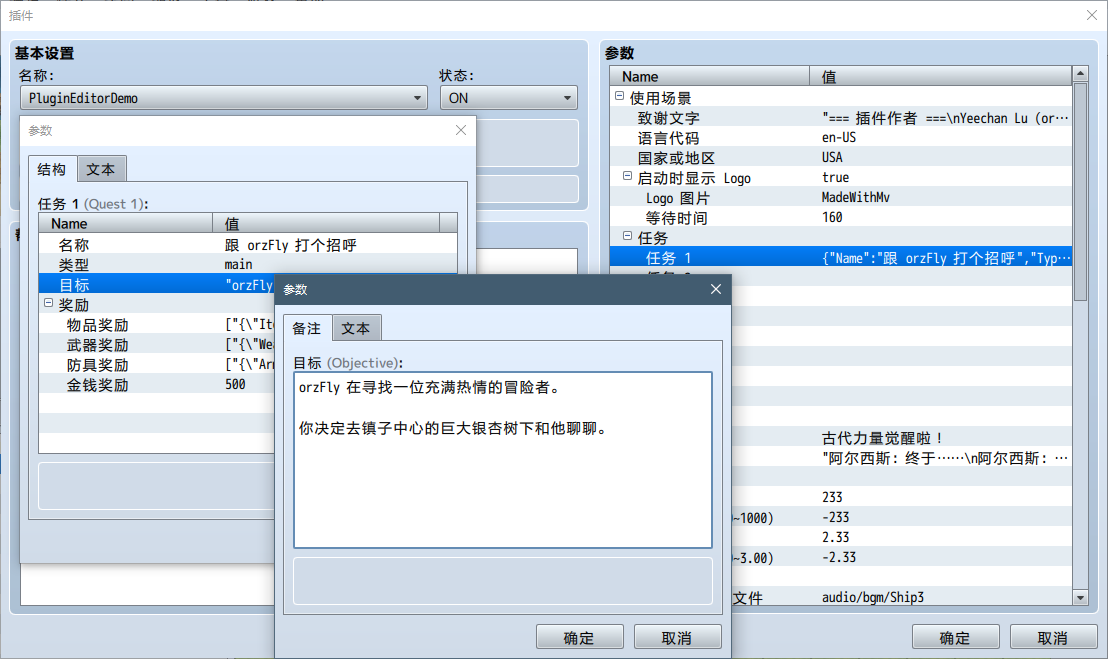
使用新的块级注释可以声明一个新的结构,它可以放在主块级注释的后面。该块级注释的第一行定义了结构的名字(在下面的例子中是 ItemAward)。你可以像往常一样在结构块中定义参数和类型。
/*~struct~ItemAward:
* @param Item
* @type item
*
* @param Count
* @type number
* @min 1
* @max 99
* @default 1
*/
复制代码
运用一个特殊的类型可以在参数中使用定义好的结构:
@type struct<ItemAward>
复制代码
请注意:参数的设定值是一个 JSON 字符串。这意味着你需要在游戏中使用 JSON.parse 以读取该参数真正的值。
[pre lang="javascript"]var value = PluginManager.parameters('PluginEditorDemo')['Structure']
console.log(value)
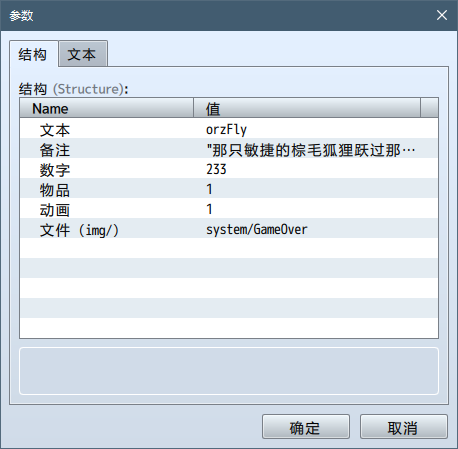
// => {"Text":"orzFly","Note":"\"The quick brown fox jumps over the lazy dog.\\nThe lazy dog jumps over the quick brown fox.\\nThe quick brown fox jumps over the quick brown fox.\\nThe lazy dog jumps over the lazy dog.\"","Number":"233","Item":"1","Animation":"1","File (img/)":"system/GameOver"}
console.log(value["Text"])
// => undefined
var realValue = JSON.parse(value)
console.log(realValue["Text"])
// => orzFly[/pre]
我的言论只代表我个人的观点,不代表雇主及/或任何第三方的立场。
Opinions expressed are solely my own and do not express the views or opinions of my employer and/or any third parties. 捐赠 | GitHub


 写轮眼
写轮眼


 发表于 2017-10-11 00:06:49


 提升卡
提升卡 沉默号角
沉默号角 喧嚣号角
喧嚣号角 变色卡
变色卡 升龙剑
升龙剑


 发表于 2017-10-11 08:50:46
 RGDirect -
