| 赞 | 0 |
| VIP | |
| 好人卡 | |
| 积分 | 1 |
| 经验 | |
| 最后登录 | 2016-12-24 |
| 在线时间 | 9 小时 |
- 梦石
- 0
- 星屑
- 50
- 在线时间
- 9 小时
- 注册时间
- 2016-3-5
- 回帖
- 3
|
加入我们,或者,欢迎回来。
您需要 登录 才可以下载或查看,没有账号?注册会员
×
本帖最后由 议长 于 2016-3-12 16:21 编辑
一个非常……非常简单的插件。
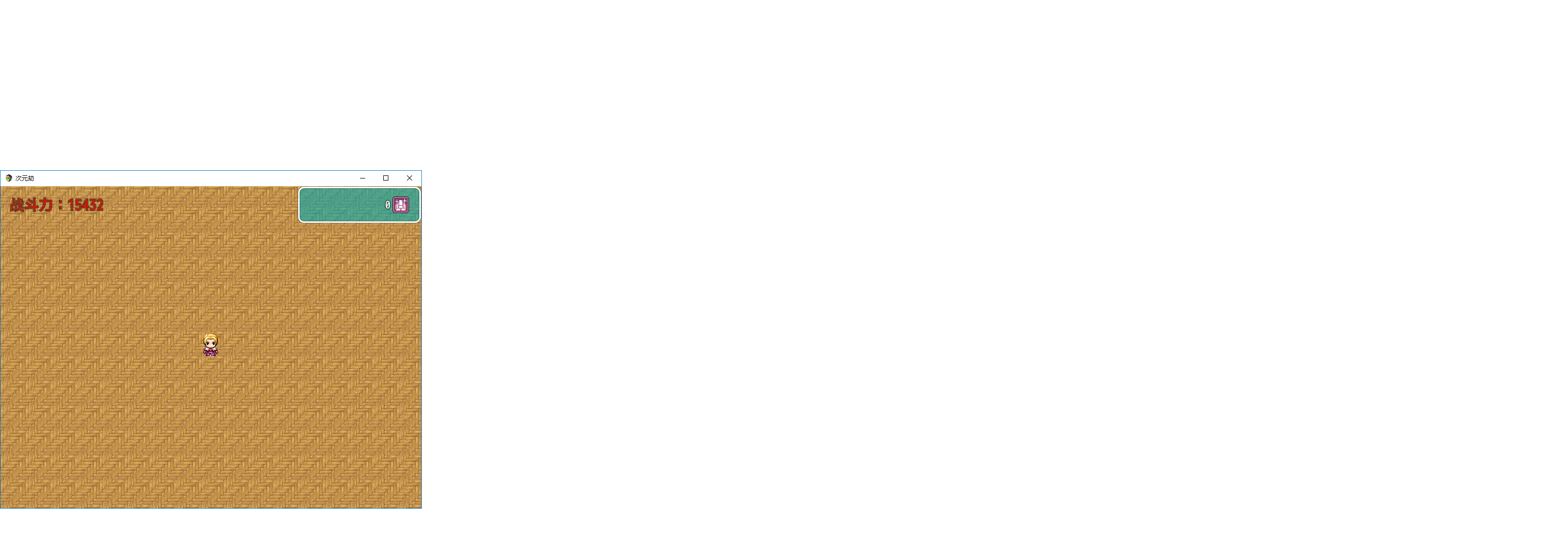
在地图上新建一个透明窗口,然后通过窗口显示数字,比如你使用序号为0001:游戏开始。经过操作并设定后,屏幕上某个角落出现了0这个数字(没改变变量值的情况下),然后你再把0001的值改成了1,那个数字也会随之改变。
啊……我语文不好就不多说了……(慵懒状
[pre lang="javascript" file="TO_ShowNumberOnMap.js"]//=============================================================================
// TO_ShowNumberOnMap.js
//=============================================================================
/*:
* @plugindesc Show variables on the screen when on the map.
* @author Truth Originem
*
* @help
*
* Plugin Command:
* ShowVariable initialize 1 0.5 0.5 100 left 意思是建立一个变量序号为1,在屏幕
* 正中间(左上角为0,0的比例因素),最宽像素为100( * 里面的变量最多占这么大,目前
* 没写成比例),排列方式为左对齐的对象。该对象建立期初是不可见的,内容为变量内容。
* ShowVariable show 1 显示变量序号为1的对象。
* ShowVariable hide 1 隐藏变量序号为1的对象。
* ShowVariable setColor 1 #FF0000 使变量序号为1的对象呈现红色(#FF0000)
*/
var $dataVariables = null;
(function(){
var _Scene_Map_createAllWindows = Scene_Map.prototype.createAllWindows;
Scene_Map.prototype.createAllWindows = function ()
{
_Scene_Map_createAllWindows.call(this);
if(!$dataVariables){
$dataVariables = new Window_VariableShowTab();
}
this.addChild($dataVariables);
};
function Window_VariableShowTab(){
this.initialize.apply(this, arguments);
}
Window_VariableShowTab.prototype = Object.create(Window_Base.prototype);
Window_VariableShowTab.prototype.constructor = Window_VariableShowTab;
Window_VariableShowTab.prototype.initialize = function(){
var width = Graphics.boxWidth;
var height = Graphics.boxHeight;
Window_Base.prototype.initialize.call(this, 0, 0, width, height);
this.opacity = 0;
this._data = [];
};
Window_VariableShowTab.prototype.update = function(){
this.contents.clear();
for(var i =0;i<this._data.length;i++){
var data = this._data;
if(data.isEnabled()){
this.changeTextColor(data._color);
this.drawText(data.getVariable(),data._x,data._y,data._maxWidth,data._align);
this.resetTextColor();
}
}
};
Window_VariableShowTab.prototype.getDatas = function(){
return this._data;
};
Window_VariableShowTab.prototype.getData = function(id){
var data = null;
for(var i =0;i<this._data.length;i++){
if(this._data._id == id){
data = this._data;
break;
}
}
return data;
};
var _Game_Interpreter_pluginCommand =
Game_Interpreter.prototype.pluginCommand;
Game_Interpreter.prototype.pluginCommand = function(command, args) {
_Game_Interpreter_pluginCommand.call(this, command, args);
if (command === 'ShowVariable') {
switch (args[0]) {
case 'initialize':
var data = new VariableData(Number(args[1]),Number(args[2]),Number(args[3]),Number(args[4]),String(args[5]));
$dataVariables.getDatas().push(data);
break;
case 'show':
$dataVariables.getData(Number(args[1])).setEnabled(true);
break;
case 'hide':
$dataVariables.getData(Number(args[1])).setEnabled(false);
break;
case 'setColor':
$dataVariables.getData(Number(args[1])).setColor(String(args[2]));
break;
}
}
};
function VariableData(){
this.initialize.apply(this, arguments);
}
VariableData.prototype.constructor = VariableData;
VariableData.prototype.initialize = function(id,x_factor,y_factor,maxWidth,align){
this._x = Graphics.boxWidth*x_factor;
this._y = Graphics.boxHeight*y_factor;
this._maxWidth = maxWidth;
this._align = align;
this._id = id;
this._color = $dataVariables.normalColor();
this._enabled = false;
};
VariableData.prototype.getVariable = function(){
return $gameVariables.value(this._id);
};
VariableData.prototype.isEnabled = function(){
return this._enabled;
};
VariableData.prototype.setEnabled = function(enabled){
this._enabled = enabled;
};
VariableData.prototype.setColor = function(color){
this._color = color;
}
})();[/pre]
|
评分
-
查看全部评分
|


 写轮眼
写轮眼
 发表于 2016-3-12 16:16:40


 提升卡
提升卡 沉默号角
沉默号角 喧嚣号角
喧嚣号角 变色卡
变色卡 升龙剑
升龙剑