| 赞 | 12 |
| VIP | |
| 好人卡 | |
| 积分 | 13 |
| 经验 | |
| 最后登录 | 2024-7-16 |
| 在线时间 | 471 小时 |
- 梦石
- 0
- 星屑
- 1333
- 在线时间
- 471 小时
- 注册时间
- 2012-4-8
- 回帖
- 314
|
 发表于 2024-4-14 22:29:36
|
显示全部楼层
发表于 2024-4-14 22:29:36
|
显示全部楼层
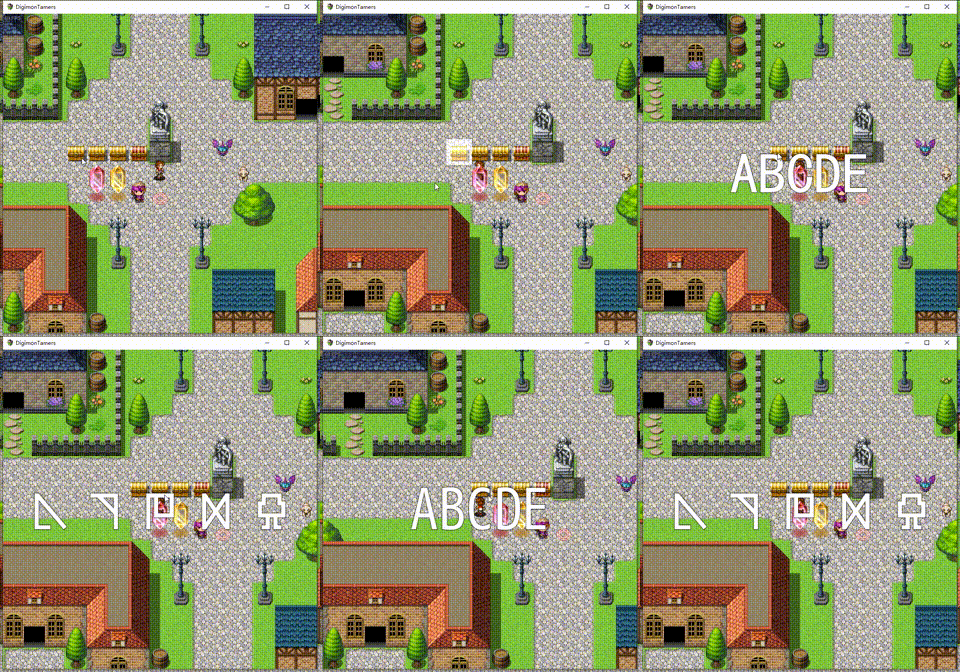
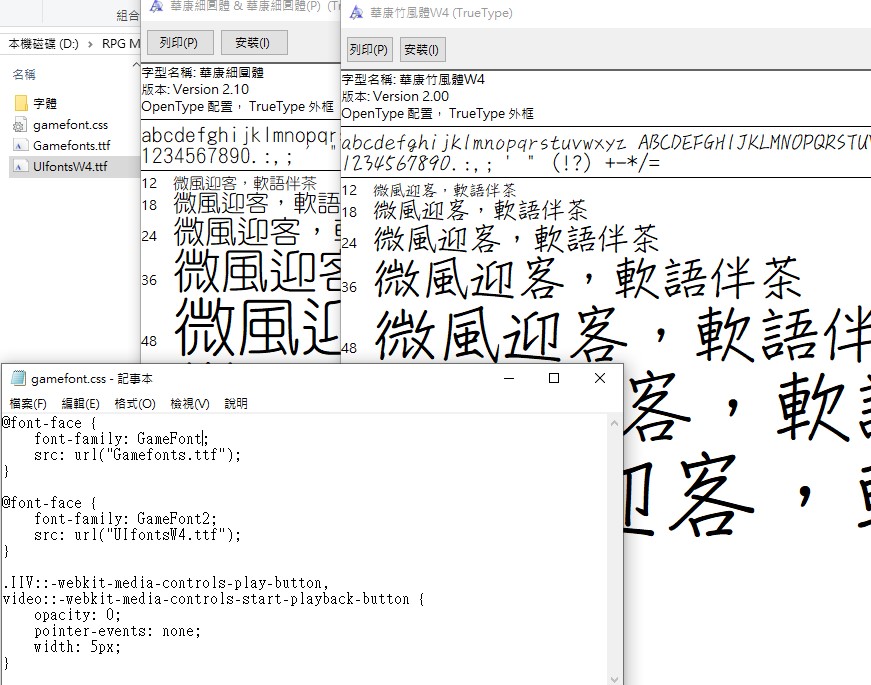
虽然没用过,但是试试直接更改 DTextPicture.js 中的 Game_Screen 的 dTextFontFace ?
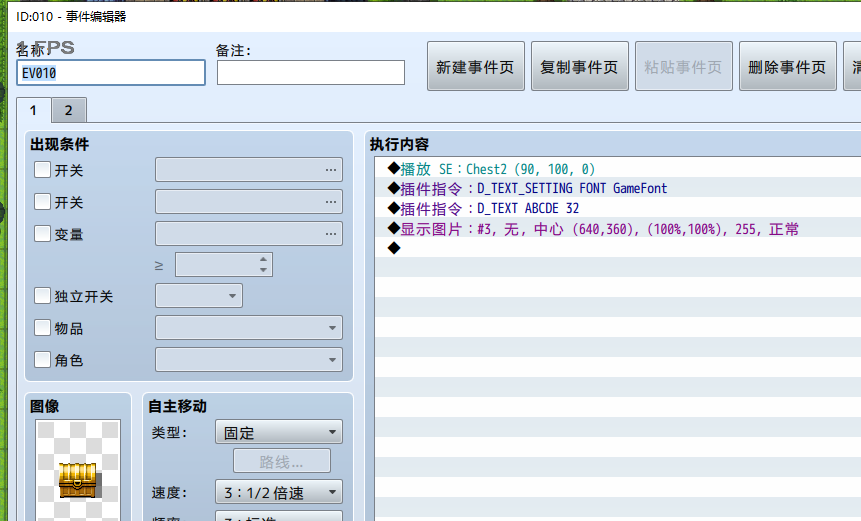
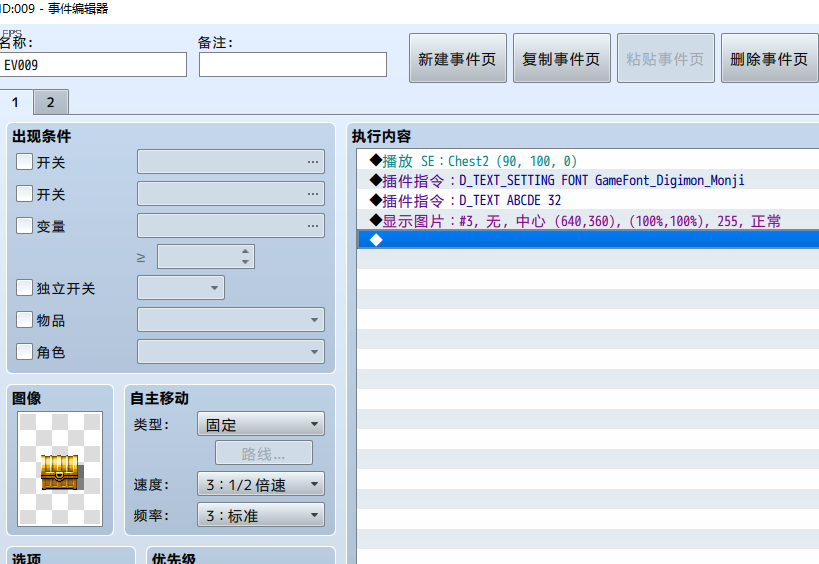
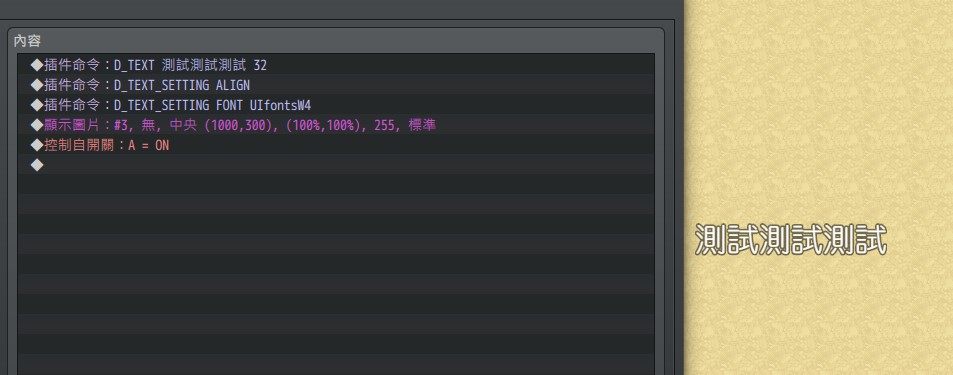
没看到有 D_TEXT_SETTING FONT [字体名称] 的指令
是我的版本不对吗,我的好像是 mz 的插件版本
[pre lang="javascript"]/*
* @command dTextSetting
* @text 文字列ピクチャ設定
* @desc 文字列ピクチャの表示方法に関する設定です。変更した設定は描画後も保持されます。未設定の項目は現状維持されます。
*/
// 注册命令监听
PluginManagerEx.registerCommand(script, 'dTextSetting', function(args) {
$gameScreen.setDtextSetting(args);
});
//=============================================================================
// Game_Screen
// 動的ピクチャ用のプロパティを追加定義します。
//=============================================================================
Game_Screen.prototype.setDtextSetting = function(setting) {
if (setting.fontFace !== '') {
this.dTextFontFace = setting.fontFace;
}
};
// 获取 文字图片 设置
Game_Screen.prototype.getDTextPictureInfo = function() {
const prefix = param.prefixText || '';
return {
value : prefix + this.dTextValue,
size : this.dTextSize,
color : this.dTextBackColor,
realTime : this.dTextRealTime,
windowFrame : this.dWindowFrame,
gradationLeft : this.dTextGradationLeft,
gradationRight: this.dTextGradationRight,
align : this.dTextAlign,
font : this.dTextFontFace,
lineHeight : this.dTextLineHeight,
windowOpacity : this.dTextWindowOpacity,
pictureWidth : this.dTextPictureWidth,
pictureHeight : this.dTextPictureHeight,
vertical : this.dTextVertical
};
};
// 显示 图片
Game_Picture.prototype.show = function(name, origin, x, y, scaleX,
scaleY, opacity, blendMode) {
if ($gameScreen.isSettingDText() && !name) {
arguments[0] = Date.now().toString();
this.dTextInfo = $gameScreen.getDTextPictureInfo();
this.updateDText();
$gameScreen.clearDTextPicture();
} else {
this.dTextInfo = null;
this._dTextValue = null;
}
_Game_Picture_show.apply(this, arguments);
};[/pre] |
|


 写轮眼
写轮眼
 提升卡
提升卡 沉默号角
沉默号角 喧嚣号角
喧嚣号角 变色卡
变色卡 升龙剑
升龙剑